
 0
0
 0
0
ERP and CRM projects have a habit of exposing processes nobody realized existed. A sales manager approves discounts differently from everyone else. The finance team has a workaround that was never documented. Customer records move through three departments, yet nobody can fully explain why certain steps happen in a particular order.
Most of the time, these quirks stay hidden. Then an implementation begins. Suddenly, every workflow needs to be mapped, reviewed, standardized, explained, tested, and eventually taught to hundreds of employees. Teams discover that software configuration is only one part of the project. Capturing how work actually happens can be just as challenging.
This explains why process documentation often becomes one of the busiest workstreams during ERP and CRM implementations.
Without it, adoption slows down. New employees struggle to learn workflows. Support teams become overwhelmed with questions. Knowledge remains trapped inside the heads of a handful of experienced employees.
The tools below are commonly used by organizations trying to make that transition a little less chaotic.
Where These Tools Tend to Fit
Not every documentation platform serves the same purpose. Some are designed to create process guides quickly. Others focus on knowledge sharing, adoption, or interactive workflow support after implementation is complete.
| Tool | Primary Focus | Often Used For |
| Tango | Process documentation and workflow guidance | ERP and CRM rollouts |
| Guidde | Visual process guides | Internal documentation projects |
| Confluence | Knowledge management | Centralized process libraries |
| WalkMe | Adoption and in-app guidance | Enterprise transformation programs |
1. Tango
One of the most frustrating parts of documenting business processes is how quickly documentation becomes outdated.
A workflow changes. Someone updates a field inside Salesforce. An approval path is modified inside NetSuite. Suddenly, a guide created two months ago is no longer accurate.
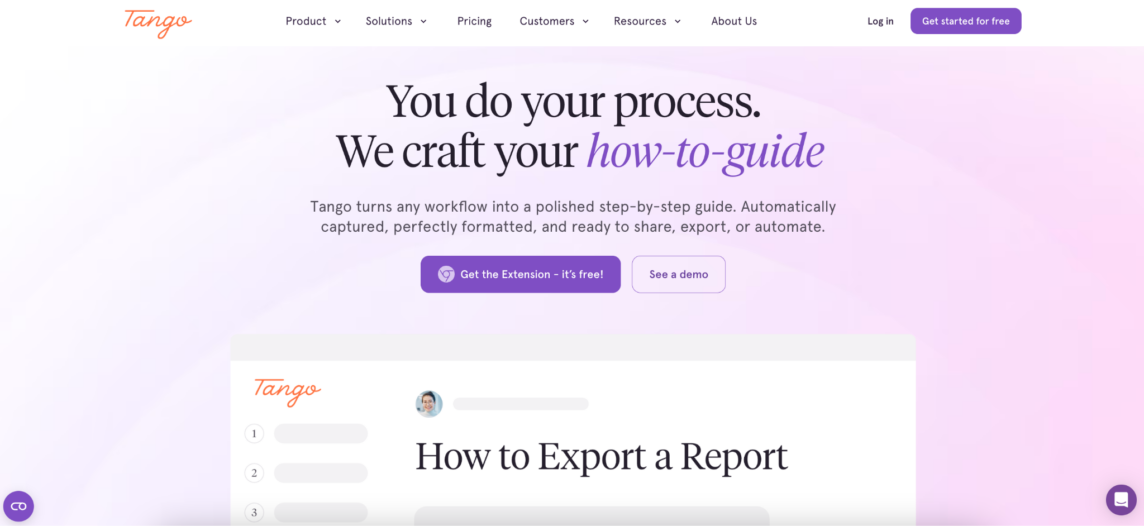
This is why many implementation teams look for ways to reduce the effort involved in creating and maintaining documentation. Tango approaches the problem from a practical angle.
Rather than treating documentation as a separate project, teams can create process guides while performing the workflow itself. The result is a structured guide with screenshots, instructions, and process details that can be shared across departments.
This approach tends to resonate with organizations rolling out systems such as Salesforce, Oracle, NetSuite, Workday, and similar enterprise applications, where processes change frequently throughout implementation.
Common use cases include:
- CRM rollout documentation
- ERP process mapping
- Operational procedure guides
- Knowledge transfer initiatives
- Adoption support after go-live
Another advantage is flexibility. Many organizations are implementing several systems simultaneously, and Tango can support documentation across different environments rather than focusing on a single platform.
For teams trying to capture institutional knowledge before it disappears into meetings, emails, and tribal know-how, that can be valuable.
2. Guidde
Some projects do not need an extensive documentation strategy. They simply need guides. Quickly.
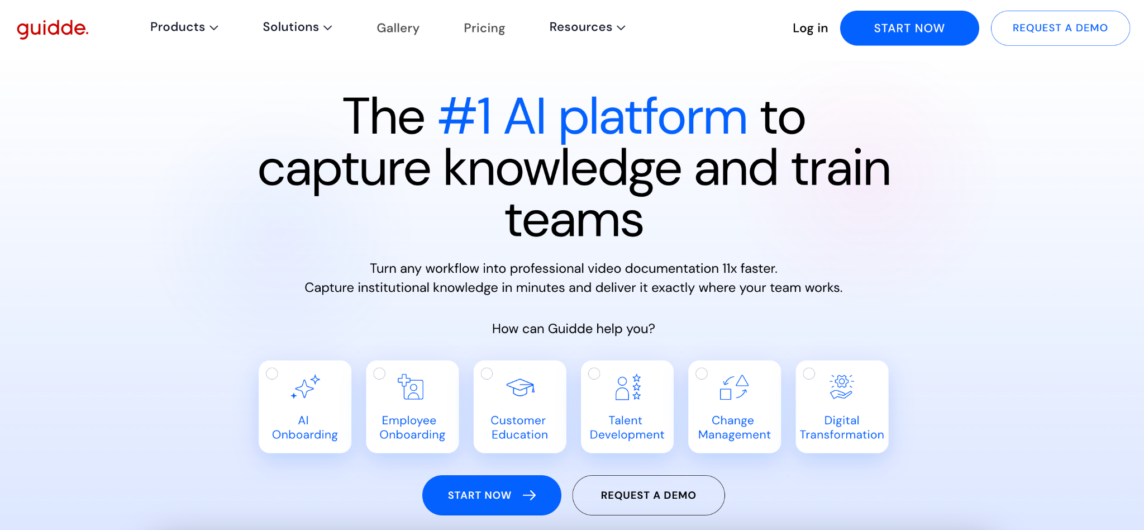
Guidde has gained attention among teams looking for a fast way to create visual process documentation without building an entire knowledge management framework around it.
The platform is often used during implementation projects where business teams need straightforward instructions that employees can follow immediately.
A common pattern appears during ERP and CRM rollouts. Processes are changing weekly. Documentation requests keep arriving. Subject matter experts are busy with testing, workshops, and stakeholder meetings.
Under those conditions, speed matters. Guidde’s emphasis on visual documentation makes it attractive for teams focused on creating process guides without adding another large initiative to an already crowded implementation schedule.
3. Confluence
Some organizations approach documentation differently. Their goal is not necessarily to help users complete a task tomorrow morning. Their goal is to build a long-term repository of organizational knowledge.
That distinction matters. ERP and CRM implementations generate enormous amounts of information. Process decisions, governance rules, integration requirements, testing outcomes, operating procedures — the list grows quickly.
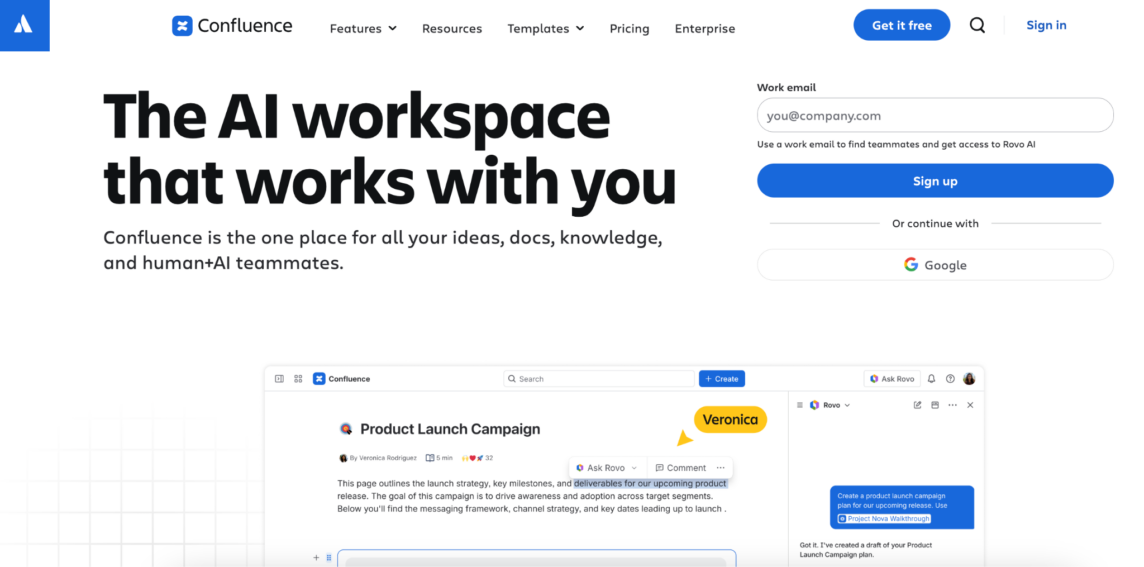
Confluence is frequently used as the central location where this information lives. Its strengths often become more apparent after implementation when organizations need a place to store and manage documentation at scale.
Typical use cases include:
- Process libraries
- Implementation documentation
- Governance documentation
- Team knowledge bases
- Operational reference materials
Confluence is rarely the fastest way to create process guides. It is often one of the most common places to store them.
4. WalkMe
Some organizations view documentation as only one piece of a larger adoption strategy. Creating guides is useful. Ensuring employees actually follow them is another challenge entirely. WalkMe sits closer to the adoption side of the equation.
The platform is widely used by enterprises looking to provide guidance directly inside applications rather than relying entirely on external documentation.
This can become valuable after go-live when users encounter unfamiliar workflows and need support while completing tasks.
WalkMe is commonly associated with:
- Enterprise software adoption
- In-app guidance
- Workflow support
- Change management initiatives
- Large-scale transformations
For organizations implementing ERP and CRM systems across multiple business units, the ability to surface guidance inside the software itself can reduce some of the friction that traditional documentation alone cannot address.
Documentation Is Usually About More Than Documentation
Teams rarely start an ERP implementation saying, “We need better process guides.” The conversation usually sounds different. “We cannot lose this knowledge when people leave.” “Everyone follows a different process.” “Nobody knows which version is current.” “Support is answering the same questions every day.”
Documentation becomes the solution because the underlying problem is consistency. The larger the implementation, the more important that consistency becomes. A process followed one way by ten employees can become a significant operational risk when it is followed differently by a thousand.
Before the System Changes, the Process Has to Be Visible
ERP and CRM projects often focus heavily on technology decisions. Which platform to choose? Which integrations to build? Which workflows to automate? Those discussions matter.
Yet many implementation teams eventually discover that software is only replacing what already exists. If the underlying process is unclear, inconsistent, or undocumented, the new system inherits the same problems.
The tools above approach documentation from different directions. Some prioritize speed. Others focus on knowledge management or adoption support.
The common goal is much simpler: helping organizations understand how work gets done before asking people to do it differently.